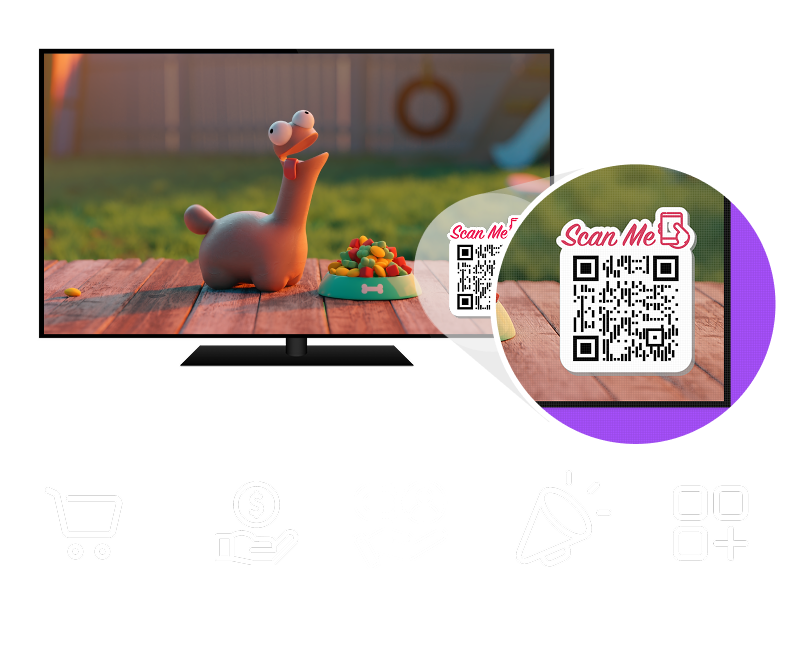
New feature: QR Code Overlay
Turn Every Video Into a Sales and Engagement Tool
OTTfeed's new QR Code Overlay feature lets brands and creators add a custom QR code to each video on their channel. The QR code appears directly on top of the video, making it easy for viewers to scan and take action instantly.
No apps, no interruptions, just results.
Built for Brands and Creators
Your viewers are already watching. Now you can guide them to what matters most.
QR Code Overlays

Drive Direct Sales
Link directly to products, checkout pages, or booking forms to convert viewers into customers.

Promote Offers
Promote limited-time offers, discounts, and promotions that viewers can act on immediately.

Capture Leads
Collect leads, emails, and signups while viewers are engaged with your content.

Drive Traffic
Send viewers to your website or social pages without stopping the video experience.

Increase Engagement
Keep viewers watching while giving them opportunities to interact and take action.
Perfect for E-commerce, Brands, and Businesses
Whether you sell products, services, or experiences, QR code overlays turn viewers into customers. From shoppable videos to event promotions, QR codes help you convert attention into action.
Simple To Create. Powerful Results.
Create a QR code using a tool like QRCodeChimp.com, assign it to a video, and publish.
Each video will have a QR code, giving you full control over what your audience scans.
Change or remove the QR code at any time.
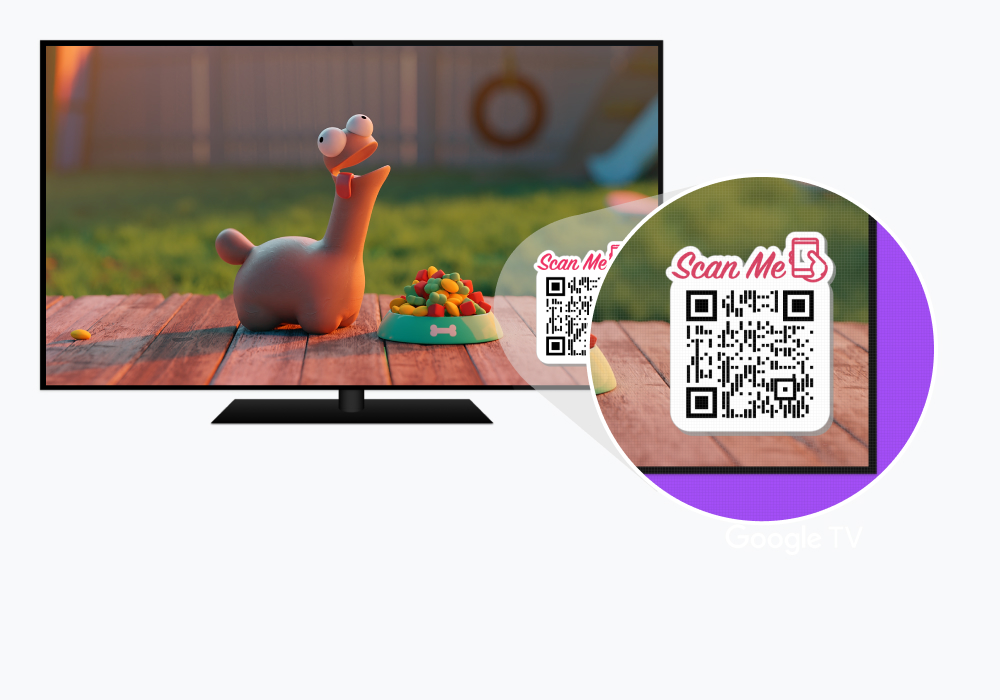
- Create your custom QR code in seconds
- Assign unique QR codes to individual videos
- QR code displays directly on the video instantly
- Viewers scan without leaving the content
- Full control over placement and timing
- Track QR code analytics
- Works across all OTTfeed streaming apps